 klingainsfw.com
AI Text to Image
Create a still from a written brief. Find the right subject, light, and framing for a standalone image or a frame you can animate later.
Create a still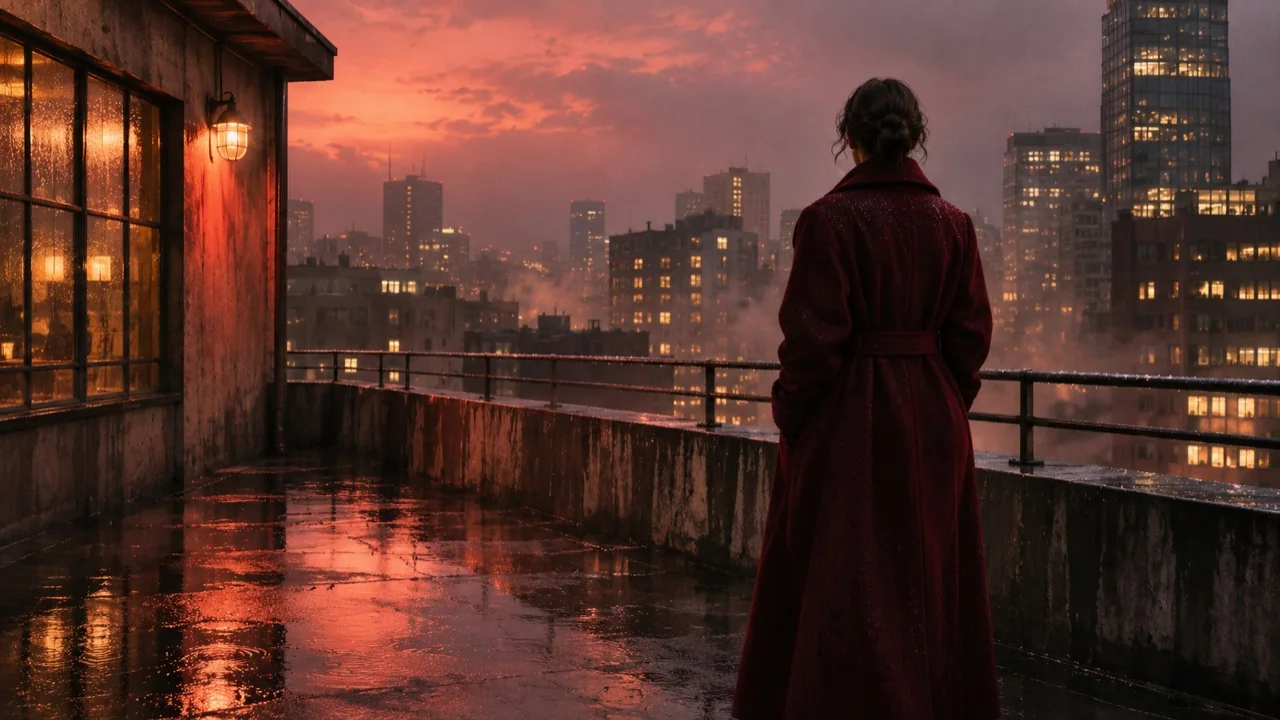
How to compose a still
Place the subject in the frame
Try “Wide shot of a figure on the right third of a rooftop, with open space to the left.” Subject placement gives you something concrete to check.
Describe where the light comes from
Add “Warm window light from the left, cool dusk beyond the railing.” Give the model a direction and source for each light that matters.
Review the edges before animating
Check the crop, horizon, and empty space around your subject. Choose a still with room for the movement you plan to add.
- Input
- A written brief for a single frame
- Output
- A generated still for a standalone image or a video reference
- Credit estimate
- Choose a model and settings in Studio to see the estimate. Compare it with the credits in available plans and packs.
Before you start
How do I carry a still into Image to video?
Use “Animate this image” on an eligible Studio result. The still supplies the visual reference. In the next prompt, describe what should move and how the camera should behave.
What content rules apply in Studio?
Studio is for adults 18 and older. Use material you have permission to transform and get informed consent for the intended use of any real adult’s likeness. Sexual content involving minors or age-ambiguous subjects and non-consensual intimate imagery are prohibited. Each model has its own rules. See our Terms of Service.