 klingainsfw.com
AI Image to Image
Change the look of an image you have permission to use. Start with one edit, then compare the new still with the original before carrying it into a clip.
Revise an image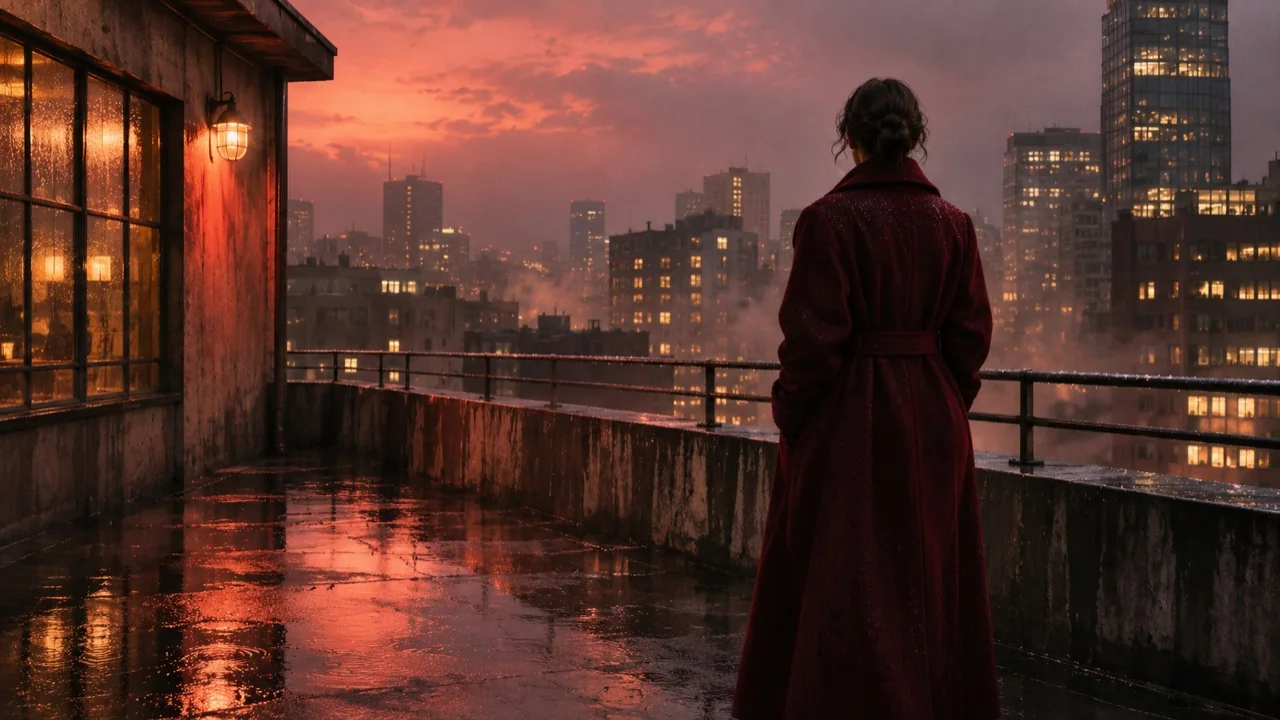
How to revise a reference image
Pick an image with the framing you want
Start from a reference that already places the subject and background where you need them. Keep that original handy for comparison.
Name one change and what should stay
Try “Cool the skyline toward blue dusk. Keep the coat burgundy, the subject in place, and the railing in the same position.”
Compare the revised still with the original
Look at the subject’s outline, the crop, and recognizable background details. If several areas changed, make the next request narrower.
- Input
- An authorized reference image and a written edit
- Output
- A new still based on the reference and requested change
- Credit estimate
- Choose a model and settings in Studio to see the estimate. Compare it with the credits in available plans and packs.
Before you start
Can I change the lighting while preserving every other detail?
The model generates a new image and can change areas outside the requested edit. Ask it to preserve the pose, crop, and background, then compare those details before using the result.
What content rules apply in Studio?
Studio is for adults 18 and older. Use material you have permission to transform and get informed consent for the intended use of any real adult’s likeness. Sexual content involving minors or age-ambiguous subjects and non-consensual intimate imagery are prohibited. Each model has its own rules. See our Terms of Service.